UKSEF and provision 29: preparing for the 2026 reporting shift
For years, the phrase "internal controls" lived deep within audit committee papers, while "digital tagging" was viewed as a technical after-thought...
5 min read
Agnes Sundblad : Updated on January 13, 2026
For executives, the challenge is clear: which tools offer the automation, compliance, and collaboration needed to keep pace?
With a growing market of software solutions, finding the right fit can feel complex. This guide breaks down the main categories of reporting tools, the essential features to look for, and a comparison of leading platforms to help you make an informed decision.
Selecting a reporting tool starts with a clear understanding of where your organisation’s biggest reporting challenges sit across the end-to-end reporting lifecycle.
Corporate reporting tools span the entire journey: from initial data analysis and financial insight generation through to controlled authoring, approval, and final publication.
Broadly, corporate reporting tools fall into four main categories, each addressing a distinct stage of this process and solving a different reporting problem:
These support the earliest phase of reporting by enabling finance and performance teams to analyse data, explore trends, and validate figures before they are used in formal reports. Since executives and directors need clarity, not clutter, these analytics software focus on strategic oversight, presenting financial and ESG metrics securely and interactively in dashboards designed for board packs and senior discussions.
What they do well
Connect to multiple data sources (ERP, data warehouses, spreadsheets)
Model and transform data
Create dashboards and interactive visualisations
Support ad-hoc analysis and management reporting
Typical use cases
Monthly management dashboards
KPI tracking for finance, ESG, or operations
Pre-reporting analysis before narrative writing
Examples
Microsoft Power BI
Tableau
Qlik
Limitations
Not designed for narrative report production
Limited workflow, review, and compliance controls
These tools establish a single source of financial truth through structured close, consolidation, planning, and regulatory data management.
What they do well
Financial close and consolidation
Budgeting, forecasting, and scenario planning
Structured data governance and audit trails
Regulatory and statutory reporting support
Typical use cases
Group consolidation
Budgeting and forecasting cycles
Regulatory financial statements
Examples
Tagetik (Wolters Kluwer)
Oracle EPM
SAP Group Reporting
Limitations
Less flexible for narrative-heavy reports
Collaboration and content authoring are often secondary
Designed to bring order to financial and operational information, these corporate reporting platforms consolidate data into actionable insights. Popular with CFOs and management teams, they are used for end-to-end production of complex corporate reports.
Sustainability reporting, included in this category, has also become a board-level priority. These solutions manage and disclose environmental, social, and governance data, ensuring compliance with standards such as CSRD, ESRS, and ESG. For companies facing sustainability scrutiny, these frameworks are increasingly non-negotiable.

What they do well
Coordinate multiple contributors across finance, ESG, legal, and IR
Combine numbers, narrative, tables, and visuals in one workflow
Enforce version control, audit trails, and approvals
Support compliance-driven reporting (financial and non-financial)
Typical use cases
Annual reports
Sustainability and ESG reports
Integrated reports
Prospectuses and investor materials
Examples
CtrlPrint
Limitations
Not a replacement for BI or CPM systems
Relies on upstream data sources
Once you have completed your analysis and put together your consolidated data, it is time for final formatting and distribution. The world of corporate reporting is still evolving, and although corporations are moving towards "digital-first" reporting, a large number of companies still produce their reports in tools such as Microsoft Word, PowerPoint, or more sophisticated design tools such as Adobe InDesign. Therefore, we think it is still important to include them in this list for a full overview.
What they do well
Layout, formatting, and design
PDF and print-ready outputs
Brand consistency
Typical use cases
Final report production
Investor-facing publications
Examples
Microsoft Word
Adobe InDesign
Limitations
No data integrity or workflow control
High risk of versioning and copy-paste errors
To help navigate the market, we’ve selected four of the most established solutions to offer a comprehensive package that would help your team deliver the best corporate reports.
Each serves a slightly different niche, but all share the goal of streamlining financial and sustainability reporting.
| Tool Name | Best For | Key Features | Pricing Model | Integrations |
| CtrlPrint | Financial & Annual Reporting | Collaborative editing, ESEF/CSRD compliance, version control | Subscription | Microsoft Office, ERP, Adobe InDesign and InCopy |
| Board Intelligence | BI tool and Board reporting | Board packs, secure sharing, analytics | Subscription | Office, Diligent |
| OneStream | Financial Consolidation | Data integration, analytics, workflow | Subscription | ERP, API |
| InDesign | Final design | Create designed reports, maintaining your brand identity | Subscription | Microsoft Word, InCopy, CtrlPrint |
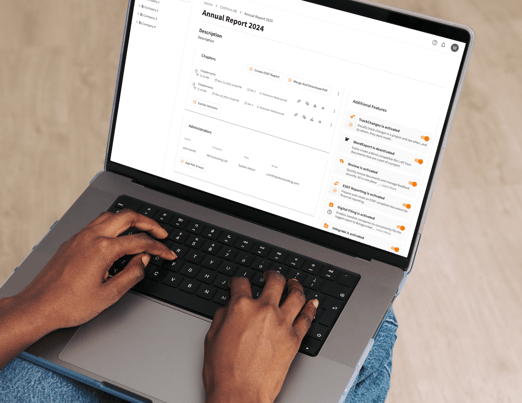
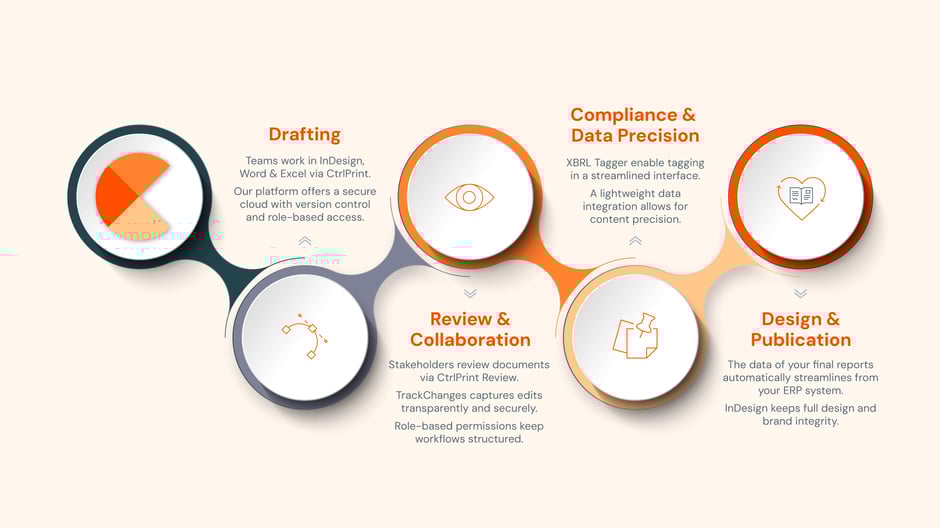
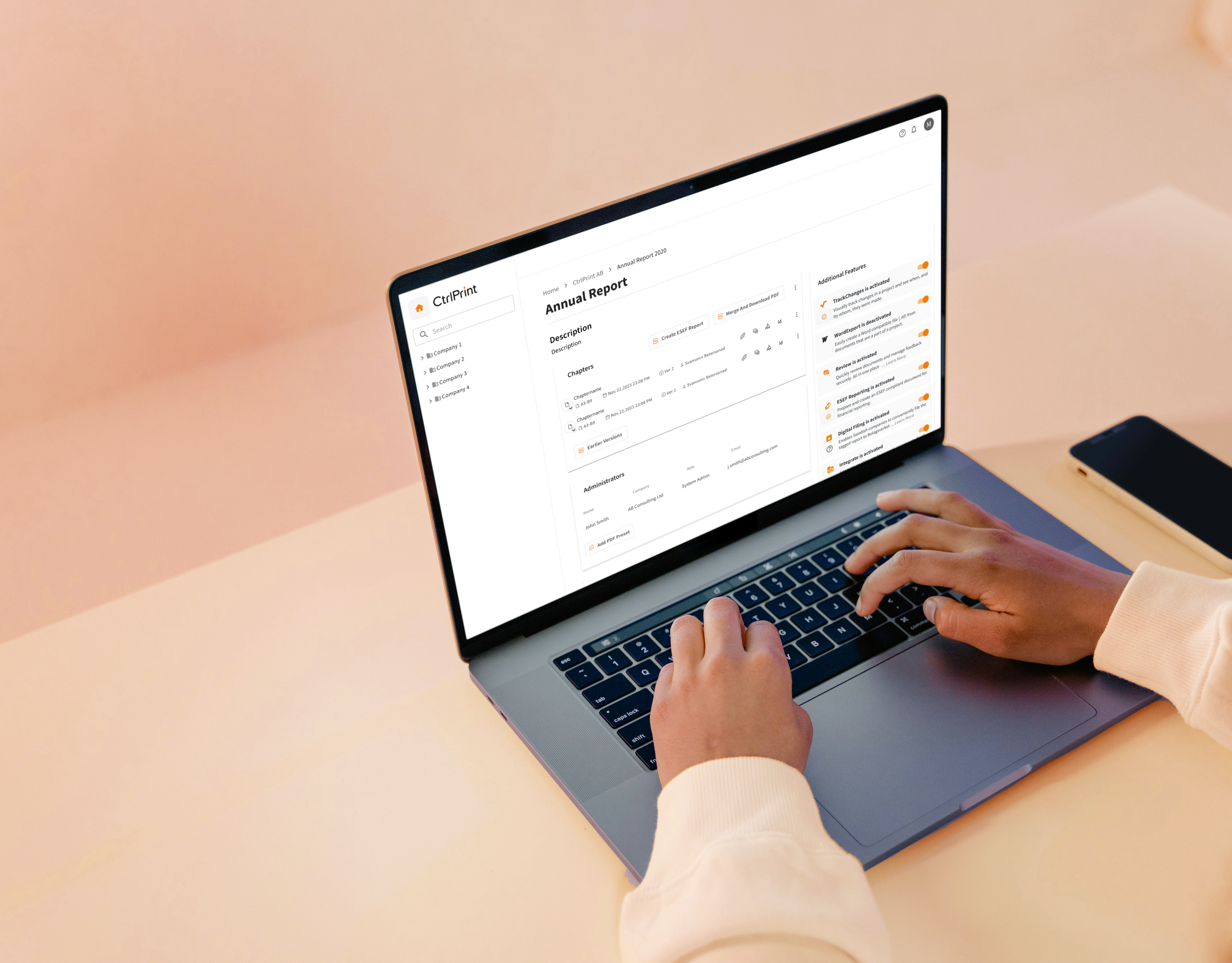
CtrlPrint is purpose-built for collaborative financial and annual reporting. It combines secure version control, intuitive editing within Adobe InDesign and In Copy, and Microsoft Word and Excel, and full compliance with ESEF and CSRD standards through XBRL tagging.
Where it stands out is in enabling listed companies and large organisations to manage their annual reports, sustainability disclosures, and financial data together – creating comprehensive corporate reports in one streamlined workflow.
For teams that must balance precision, compliance, and storytelling, CtrlPrint offers clarity and control.

Board Intelligence focuses on governance and leadership visibility. It enables the creation of secure board packs, interactive dashboards, and analytics tailored for senior executives, providing clarity where strategic oversight is needed most.
OneStream unifies financial consolidation, planning, and analytics. It excels at integrating ERP and large datasets, making it well-suited for multinationals and groups with complex consolidation processes.
Adobe InDesign is widely used in corporate reporting as the final production and layout tool, ensuring reports meet strict brand, design, and publication standards.
It enables organisations to apply consistent typography, colour systems, grids, and visual hierarchy across complex documents such as annual, sustainability, and integrated reports.
By separating visual design from data and narrative creation upstream, InDesign helps preserve brand fidelity and presentation quality while allowing late-stage content updates with minimal disruption to the overall layout.
In the complex world and processes of corporate reporting, one type of tool might stand out above others: the actual corporate reporting platforms, where your report really comes to completion.
With multiple stakeholders to serve, leaders should prioritise features that enable automation, collaboration, and data trustworthiness. Among the most important capabilities are:
Automated Data Integration
Tools should connect seamlessly with ERP, CRM, and other business systems. Eliminating manual imports reduces both time and risk – advantages particularly critical in regulatory cycles.
Collaboration & Workflow Management
Reports require multiple contributors. Built-in collaboration, with tracked workflows and version control, ensures efficient team input without messy handovers.
Audit Trails & Security Controls
Trust is everything. Comprehensive audit trails and granular access rights safeguard information throughout the reporting process. CtrlPrint's ISO 27001 certification, for example, is a strategic differentiator that directly builds trust with a target audience working with highly sensitive data
Corporate reporting is no longer just about compliance. It is about choosing the right tool that strengthens governance, accelerates reporting cycles, and builds trust with stakeholders. While generalist platforms offer a broad spectrum of functions, it is the specialisation that builds the deepest trust.
The right decision depends on your priority, but we think a mix of the suggested tools is the best way forward to cover all the complex aspects of corporate reporting:
By defining your strategic needs first – whether ESG, board reporting, or financial consolidation – you can select the platform that fits, and ensure reporting becomes a driver of both efficiency and credibility.
For quick reference, here are some key definitions:
For years, the phrase "internal controls" lived deep within audit committee papers, while "digital tagging" was viewed as a technical after-thought...
For corporate reporting leaders, the annual sustainability report is the ultimate balancing act: you are juggling rigorous ESG data and the need to...
The short answer: Ideally, your sustainability report should be published simultaneously with your Annual Report. For most companies with a December...
Read More
[wistia_video_code id='z1atn9t1hd' title='Webinar recording'] Learnings from the recent season Join us as we dive into ESEF and conducting a...

Bridging Knowledge Gaps The solution to this challenge is our new Learning Hub. It's a product of your feedback, with videos being a highly valued...