
2 min read

Unleash your creativity without compromising data integrity with CtrlPrint Integrate

Unleash your creativity without compromising data integrity with CtrlPrint Integrate

Integrate has been developed in close collaboration with our users. Your invaluable feedback and collaboration have played a significant role in shaping this powerful tool. In October, we conducted a successful pilot program with a select group of users. We are excited to extend the benefits of this solution to all our users.

What is CtrlPrint Integrate?

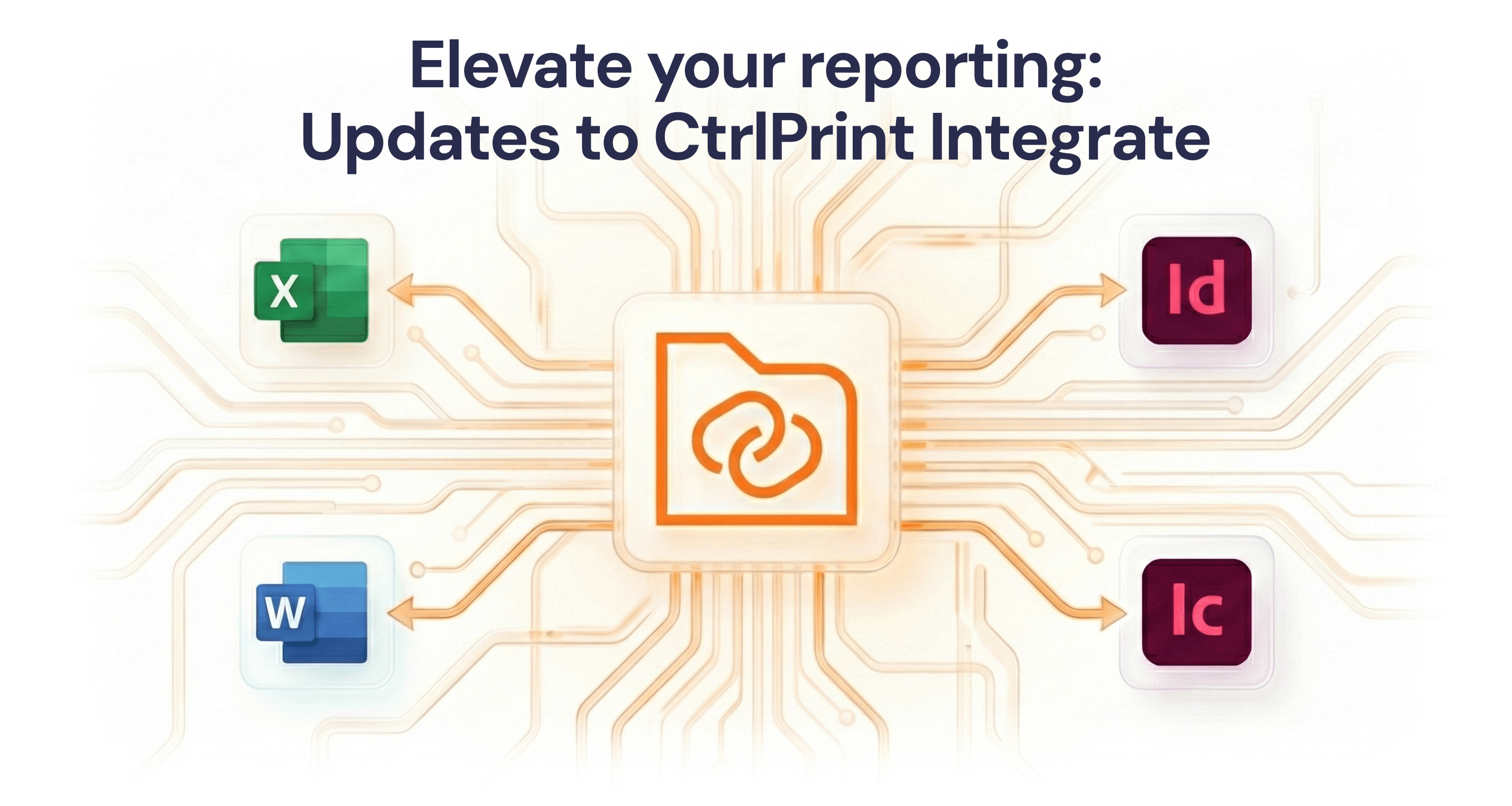
CtrlPrint Integrate enables you to securely add your external data sources to CtrlPrint and establish a seamless connection with your CtrlPrint documents. You can continue to use your existing financial and sustainability systems, using Excel as your trusted tool for structuring and formatting the data for external reporting. With CtrlPrint Integrate, you can:

  • Add your data sources:Integrate your external data sources with CtrlPrint, establishing a robust connection between your data and your CtrlPrint documents.
  • Maintain and expand your existing process:Keep all the benefits from our platforms collaboration, version control, and security features. Continue to use the industry-standard InDesign for visually appealing layouts while also incorporating your data sources.
  • Trust your data: CtrlPrint Integrate seamlessly integrates your data sources to your documents, ensuring data integrity throughout the reporting process.

A selection of things you could do with CtrlPrint Integrate

  • Work with tables:Integrate enables you to connect tables from your data sources into your report. When you upload a new version of the source file to CtrlPrint your tables can be seamlessly updated. When you refresh your data source, whether it is one or multiple tables, the data is automatically updated, ensuring your report consistently reflects the most current information available.
  • Work with text:Integrate enables you to seamlessly insert figures within the body text of your report, ensuring synchronisation even during last-minute changes to key figures. You can directly insert text, defined as single-cell named ranges from your data source, using Integrate within InDesign or InCopy.
  • Handle permissions:Integrate allows you to control who has access to the data you have uploaded to CtrlPrint. For example, you can work on the figures and your agency can work on the table design without the agency needing to see the figures until you decide they can.
  • Work with versions: As data source owner or a user with Editor permissions you can upload a new version of your files, ensuring you always work with the right data. Integrate also allows you to go back to older versions if something goes wrong.

Support and Learning Resources

Visit our support page to stay updated on how to use CtrlPrint Integrate. For in-depth knowledge, explore our Learning Hub.

Interested in CtrlPrint Integrate?

If you are considering using CtrlPrint Integrate for your reporting project or have any questions, please reach out to your account manager or use the contact form on our website .

Visit our product page


Narrative reporting: bridging the gap between financial data and strategic context

Narrative reporting: bridging the gap between financial data and strategic context

For decades, the annual report was treated largely as a compliance exercise—a rear-view mirror looking at 12 months of statutory financial data. If...

Read More
How to prevent greenwashing in corporate reporting

How to prevent greenwashing in corporate reporting

For the better part of a decade, corporate sustainability reporting often followed a predictable, somewhat comfortable script. Annual reports were...

Read More
The CFO’s dilemma: balancing AI acceleration with audit integrity

The CFO’s dilemma: balancing AI acceleration with audit integrity

The initial hype surrounding artificial intelligence in corporate finance has settled. We have moved past the "wow" phase of generative text and are...
Read More
The CFO’s dilemma: balancing AI acceleration with audit integrity

The CFO’s dilemma: balancing AI acceleration with audit integrity

The initial hype surrounding artificial intelligence in corporate finance has settled. We have moved past the "wow" phase of generative text and are...

Read More
Elevate Your Reporting: Updates to CtrlPrint Integrate

Elevate Your Reporting: Updates to CtrlPrint Integrate

If your reporting process involves copying figures, tables, or narrative text from spreadsheets or documents into a designed report, you already know...

Read More
The CFO’s 9-point reporting risk checklist

The CFO’s 9-point reporting risk checklist

This checklist provides a concise, strategic reference designed for reporting teams to proactively identify, mitigate, and govern the nine most...

Read More